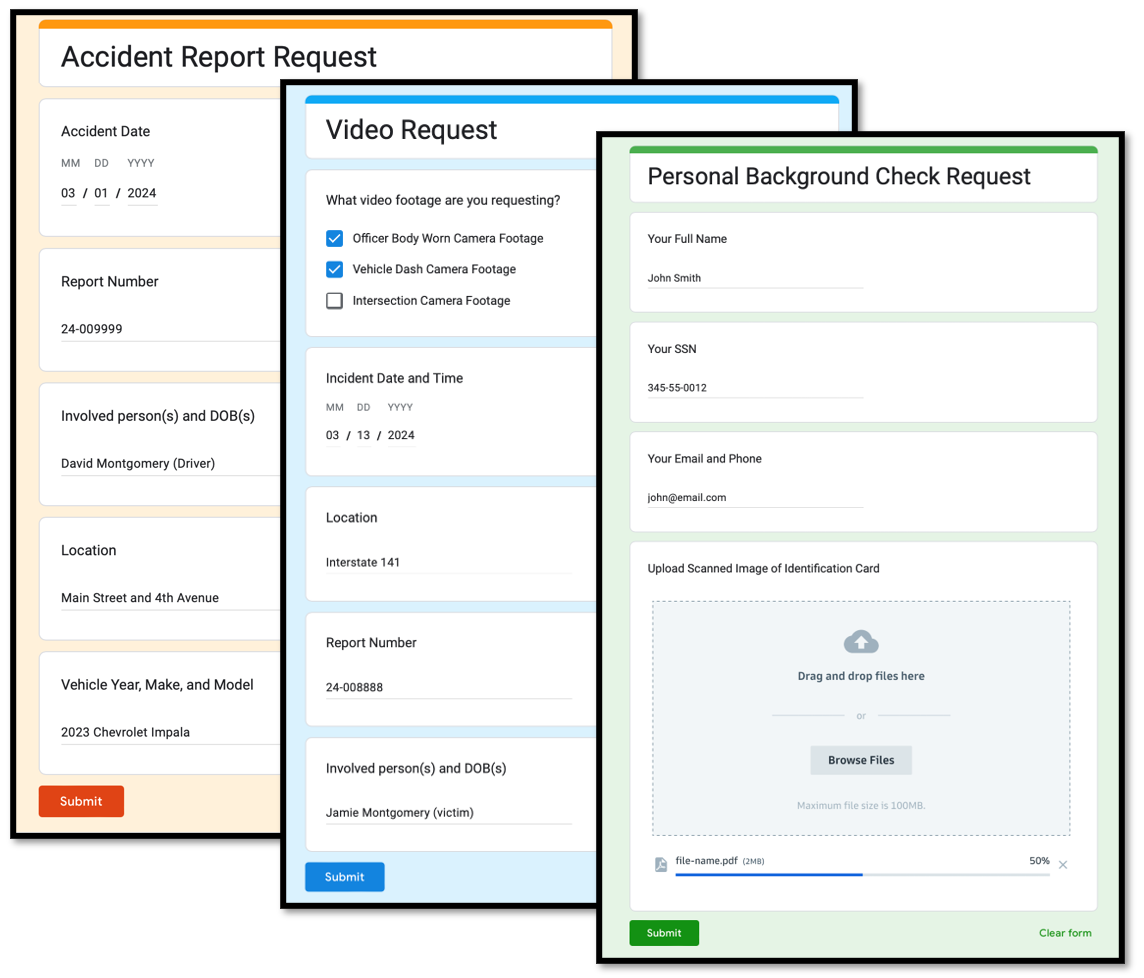
Secure file sharing is a critical component of modern government operations, where the confidentiality, integrity, and availability of data must be guaranteed at every stage of the workflow. With increasing cyber threats and stringent regulatory requirements, agencies need robust practices and solutions that align with both security standards and operational efficiency. This article outlines best practices for secure file sharing in the public sector and highlights proven solutions that help agencies protect sensitive information while maintaining seamless collaboration.
Understanding the Threat Landscape
Government entities face a unique set of challenges when exchanging files, including targeted attacks, insider threats, and compliance mandates such as FIPS, NIST, and GDPR. Recognizing these risks is the first step toward building a resilient file-sharing strategy.
- Advanced Persistent Threats (APTs): State-sponsored actors often focus on government data, requiring layered defenses.
- Phishing and Social Engineering: Malicious actors exploit human error to gain initial access.
- Data Leakage: Unencrypted transfers or misconfigured permissions can expose classified information.
Core Best Practices for Secure File Sharing
1. End-to-End Encryption
All files should be encrypted both at rest and in transit using approved algorithms (AES-256, TLS”?1.3). Encryption keys must be managed through a centralized, auditable key management system.
2. Strong Authentication and Access Controls
- Implement multi-factor authentication (MFA) for every user accessing the file-sharing platform.
- Adopt role-based access control (RBAC) to ensure users receive only the permissions necessary for their duties.
- Leverage identity federation with government-wide directories (e.g., Active Directory, Azure AD) to streamline user provisioning.
3. Secure Collaboration Workflows
Design workflows that enforce security checkpoints without hindering productivity:
- Require digital signatures for documents that need official approval.
- Enable automatic expiration of shared links after a defined period.
- Log every file access and modification event for forensic analysis.
4. Compliance and Auditing
Maintain continuous compliance by integrating automated audit trails and reporting tools. Regularly review logs against regulatory requirements and conduct third-party assessments to validate controls.
5. Secure Endpoint Management
Ensure that all devices used to access shared files meet security baselines:
- Up-to-date operating systems and security patches.
- Endpoint detection and response (EDR) solutions.
- Device encryption and remote wipe capabilities.
Choosing the Right Technology Stack
When selecting a file-sharing solution, agencies should prioritize platforms that are built for government use, support zero-trust architectures, and integrate with existing infrastructure. Solutions that provide granular policy controls, comprehensive encryption, and robust audit capabilities are essential.
Key Features to Evaluate
- Zero-Trust Network Access (ZTNA): Verifies every request regardless of location.
- Data Loss Prevention (DLP): Scans files for sensitive content before transfer.
- Secure API Integration: Enables automation while preserving security standards.
- Scalable Cloud or Hybrid Deployment: Meets the varying needs of different agencies.
For agencies seeking a vetted, government-focused platform, Discover expert strategies here provides a curated set of tools designed to meet strict compliance requirements.
Implementation Roadmap
A phased approach helps minimize disruption while ensuring that security controls are fully operational.
Phase 1 – Assessment and Planning
- Conduct a comprehensive inventory of data types and sharing workflows.
- Identify regulatory gaps and define security policies.
- Engage stakeholders to align objectives and resources.
Phase 2 – Pilot Deployment
- Select a low-risk department to test the chosen solution.
- Validate encryption, authentication, and audit functionalities.
- Gather feedback and adjust configurations.
Phase 3 – Organization-Wide Rollout
- Scale the solution across all agencies, applying standardized policies.
- Provide targeted training on secure sharing practices.
- Establish a continuous monitoring program.
Detailed guidance on each step can be found at Learn about our tailored solutions, which outlines practical checklists and timelines.
Maintaining Ongoing Security
Secure file sharing is not a set-and-forget task. Continuous improvement is essential to address emerging threats and evolving compliance landscapes.
Regular Audits and Penetration Testing
- Schedule quarterly reviews of access logs and policy adherence.
- Conduct annual penetration tests focused on file-transfer pathways.
Policy Updates and Training
- Refresh security policies whenever new regulations are issued.
- Run mandatory training sessions for staff on phishing awareness and secure handling of documents.
Technology Refresh Cycles
Plan for periodic upgrades of encryption libraries, authentication mechanisms, and endpoint protection tools to stay ahead of vulnerabilities.
For continuous learning resources, Explore advanced guides and tips offers up-to-date publications and webinars tailored to government IT teams.
Conclusion
Implementing secure file sharing within government agencies requires a disciplined blend of policy, technology, and ongoing vigilance. By adhering to encryption standards, enforcing strong authentication, and selecting solutions built for the public sector, agencies can safeguard sensitive data while enabling efficient collaboration. Regular audits, training, and technology refreshes ensure that the security posture remains robust against evolving threats. For further insights and practical tools that align with these best practices, Find out more about this approach and integrate proven methodologies into your agency’s digital workflow.
